 CradleNote
Shared care
How to share baby tracking with caregivers
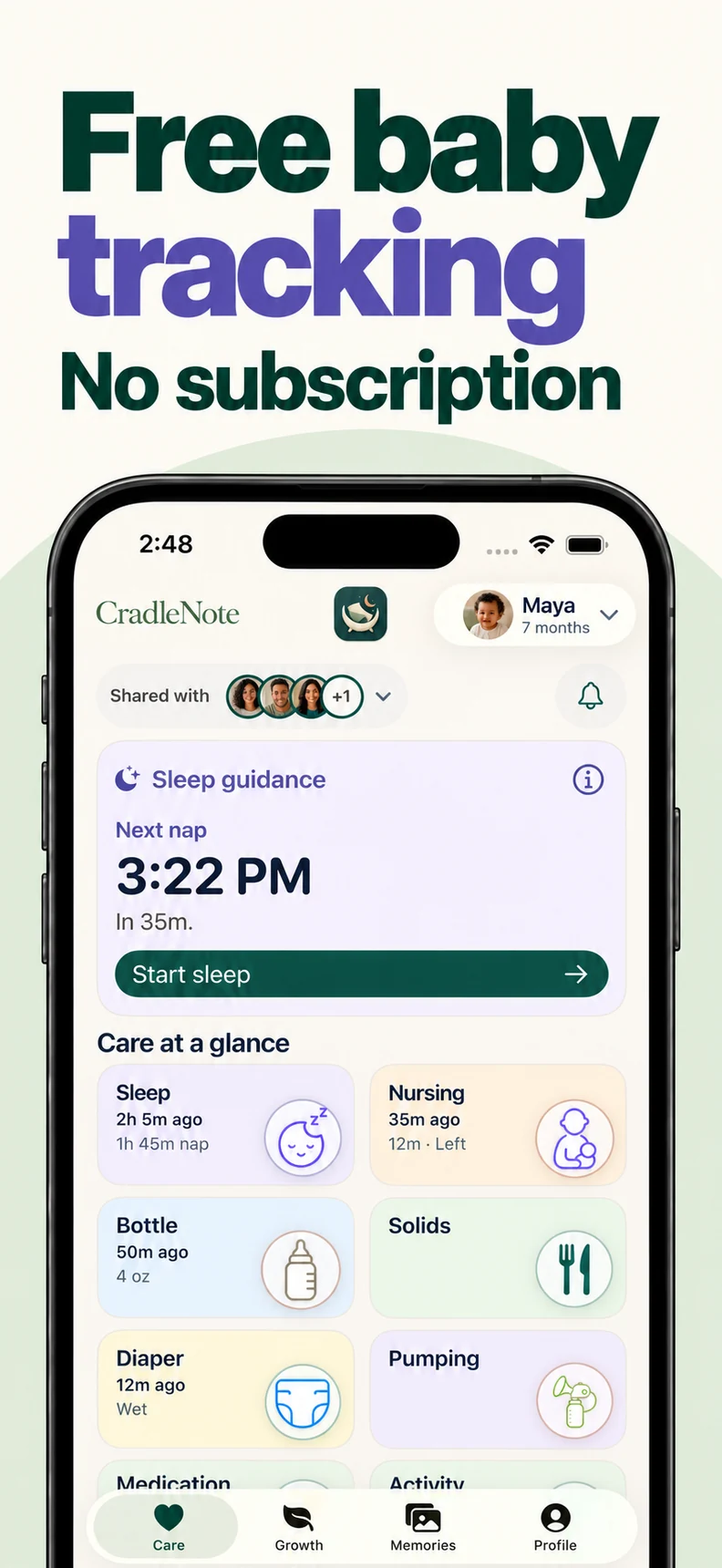
Start with one trusted caregiver. Screens and labels may differ between the native app and the web.
1. Open your care circle
Open your baby’s circle. Find sharing in Care, Growth, Memories, or Profile.
2. Choose access before inviting
Choose Everything for Care, Growth, and Memories; Growth + Memories; or Memories only. Access includes the circle’s children and relevant history.
Memories only opens photos and videos; Care and Growth remain unavailable. Choose access for what each person needs.
3. Send an invitation and review requests
Send a link or email. Each recipient signs in separately; an administrator approves their join request before family content becomes available.
4. Check a real handoff together
Log a feed, sleep, or diaper update. Check it on the other device before handoff.
Review recent records and timers together. Refresh missing updates and discuss urgent or unclear care directly. Agree who starts and stops each timer.
5. Review access when care changes
An authorised administrator can review people and invitations in Profile, change access, remove caregivers, or cancel unused invitations.
Check supported devices and languages: CradleNote product facts
A few things you might be wondering
Does each caregiver need their own account?
Yes. Each person signs in with their own account and joins your care circle through an invitation and approval.
Does Memories only access include care records?
No. Memories only access opens photos and videos, while Care and Growth remain unavailable to that person.
Sources & editorial notes
These steps describe CradleNote’s sharing controls. Screens and labels may differ between the native app and the web.
Meet CradleNote
One place for the people who care.
Share the day’s care, find activities to try together, and keep the memories your family makes along the way.
Free forever for the first 1,000 families. Account required. iPhone / iPad app requires iOS 17 / iPadOS 17 or later.
More for your circle
App comparisons
Baby Connect vs. CradleNote
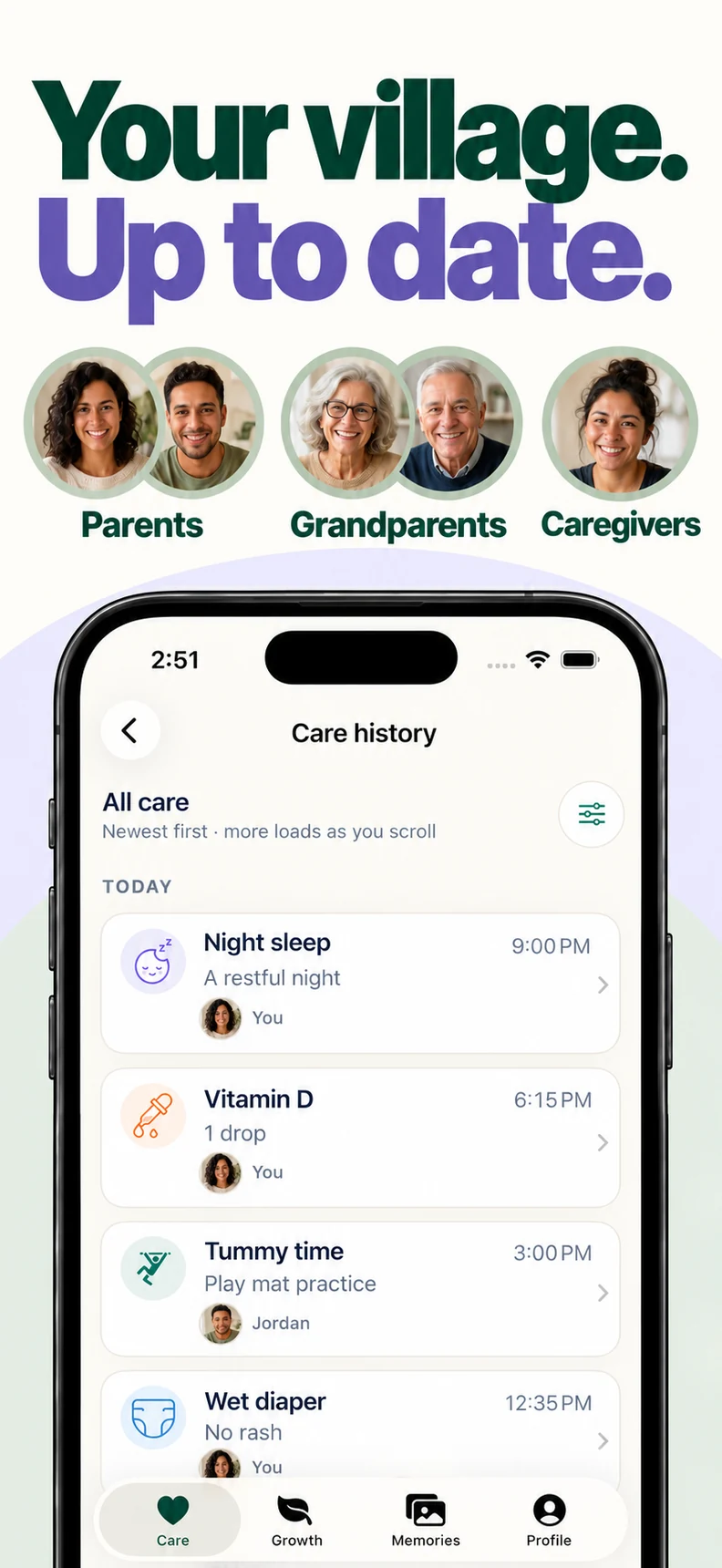
Compare Baby Connect and CradleNote for caregiver accounts, devices, care logs, memories, and subscription requirements.
Everyday care
A calmer handoff starts with a little shared context.
A practical baby handoff checklist: recent feeds and naps, care notes, family instructions, activities, and updates to share when someone else takes over.
Shared care
A little less catching up. A little more being together.
Bring feeding and sleep updates, age-appropriate play, milestones, and family memories together in one shared baby care app.